Description
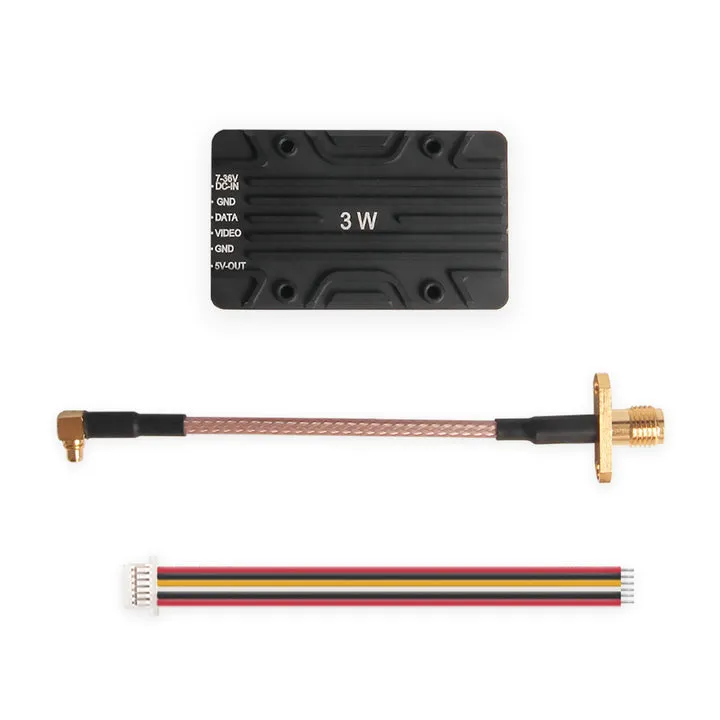
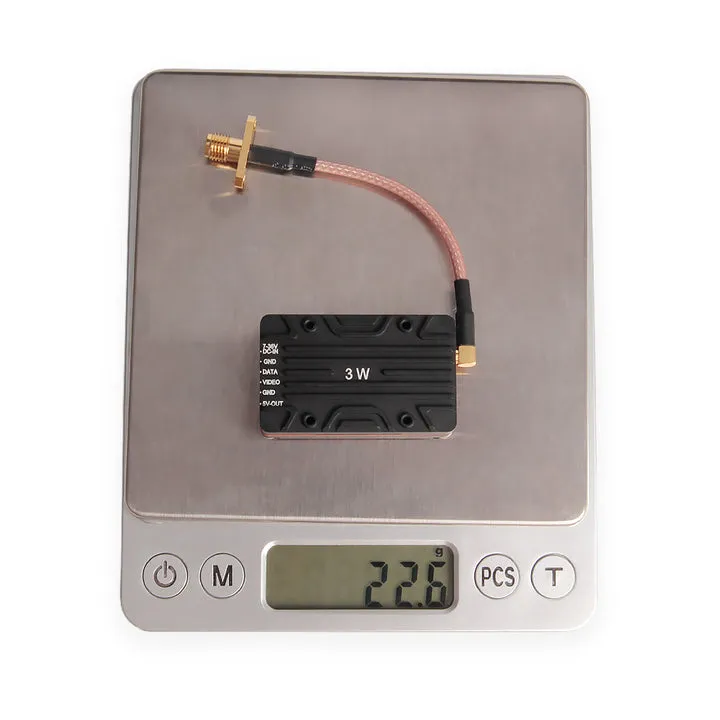
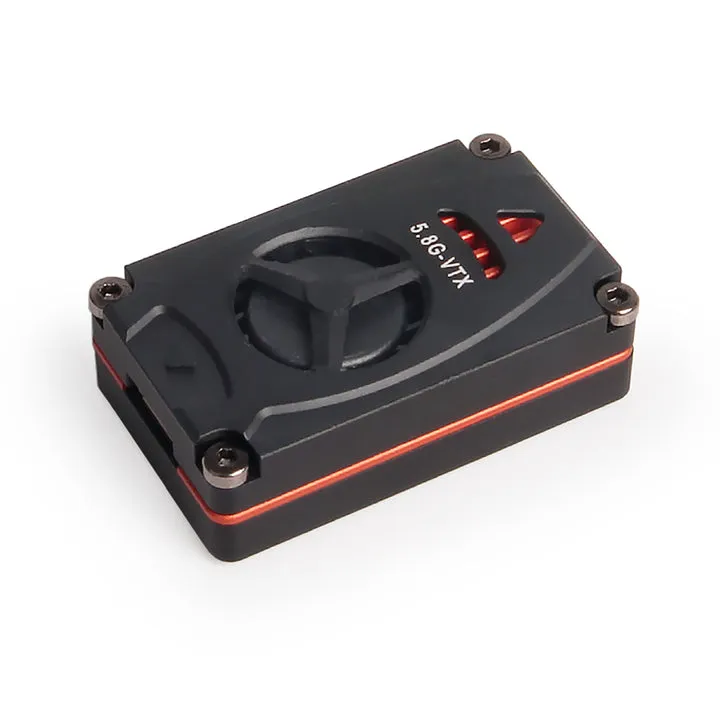
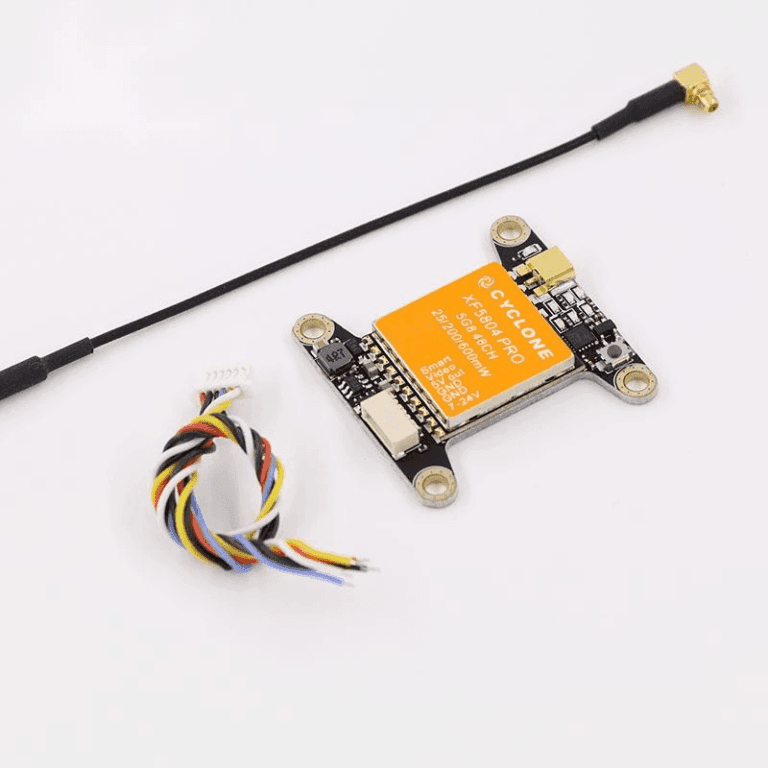
Atlatl HV 5.8G 3W VTx
| Specification |
Details |
| Frequency |
5.8G
7 bands: A, B, E, F, R, L, X
Transmission Channel: 56 |
| Operating Mode |
Key button, Smart Audio (Standard), IRC Tramp (Pro) |
| Transmission Power |
Standard: 25mW, 1.6W, 2W, 2.5W, 3W
Pro Version: 25mW, 400mW, 600mW, 1.6W, 3W |
| Antenna Connector |
MMCX |
| Voltage Input |
2~6S |
| Current Consumption |
1.3A/12VDC @ 3000mW |
| RF Impedance |
50Ω |
| Input Video Impedance |
75Ω |
| Input Video Amplitude |
CVBS 0.8~1.2VP-P |
| Video Format |
NTSC/PAL |
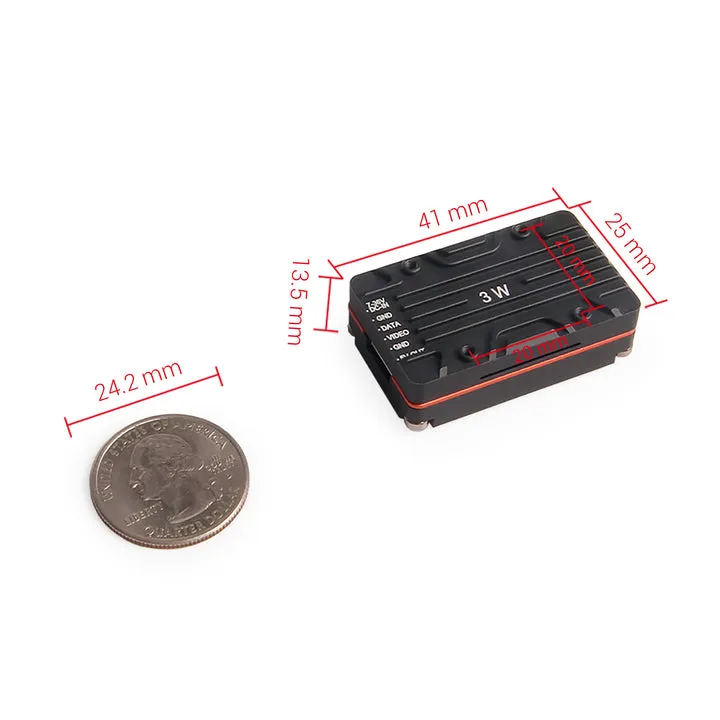
| Dimensions (L × W × H) |
Standard: 40.8 mm × 24.8 mm × 13.3 mm
Pro: 53.79 mm × 27.8 mm × 13.5 mm |
Indicator Light Description
- Power light (Green)
- Blink once per sequence – 25mW
- 2 per sequence – 1.6W (400mW for Pro version)
- 3 per sequence – 2W (600mW for Pro version)
- 4 per sequence – 2.5W (1.6W for Pro version)
- 5 per sequence – 3W
- Frequency indicator light (Blue)
- Binary indicator. No lights means CH1, all lights means CH7
- Frequency band lights (Red)
- Blink once per sequence – Band A
- 2 per sequence – Band B
- 3 per sequence – Band E
- 4 per sequence – Band F
- 5 per sequence – Band R
- 6 per sequence – Band L
- 7 per sequence – Bnad X
Function Button Operation Instructions
- To switch frequency, short-press the button to switch channel.
- To switch the frequency band, Press and hold the button for 2 seconds to enter band changing mode. Short-press the button to change the frequency band once enter the band changing mode.
- To switch power – Press and hold the button for 6 seconds to enter power changing mode. Short-press the button to switch the power level. Green LED blinking times for each blinking sequence indicate the power level (25mW/1.6W/2W/2.5W/3W).
- Once the configuration is finished, wait 8 seconds for it to save the settings.
Follow our Facebook Page and Instagram.
Only logged in customers who have purchased this product may leave a review.

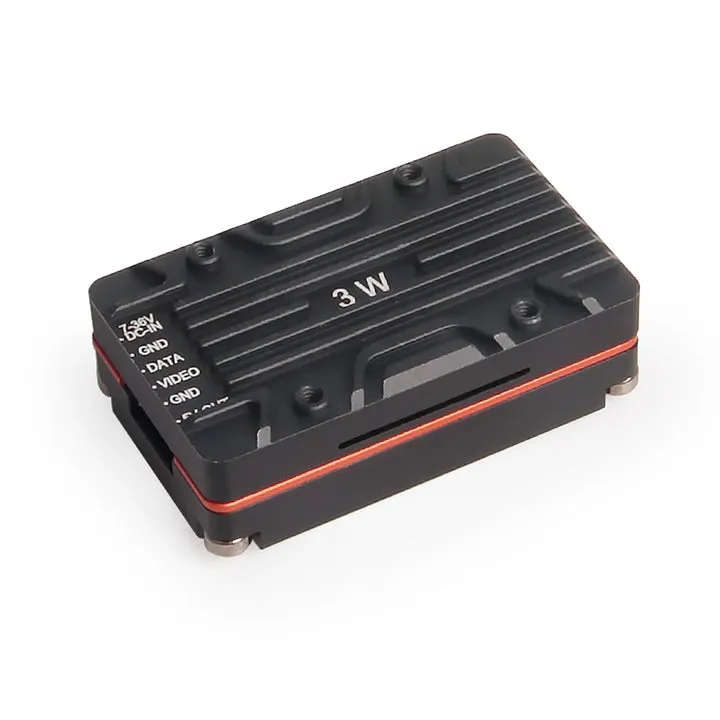
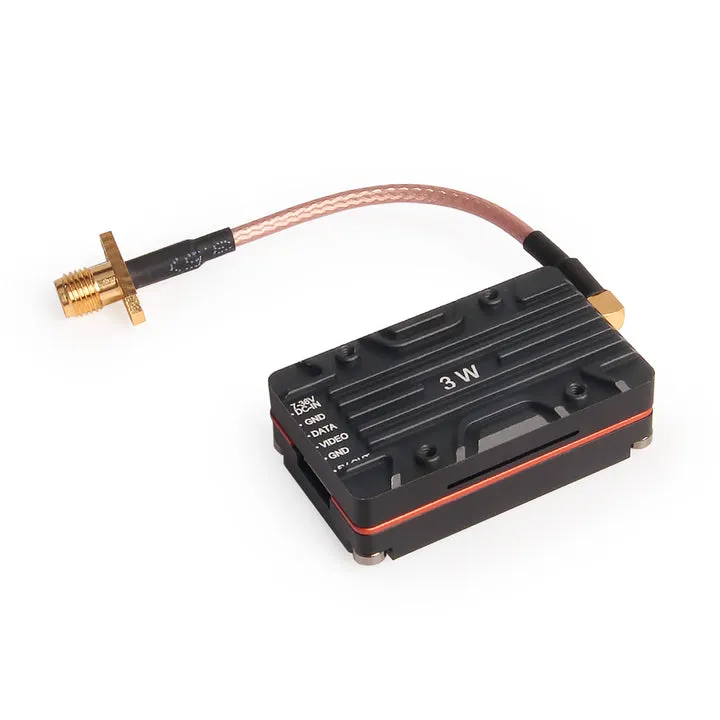
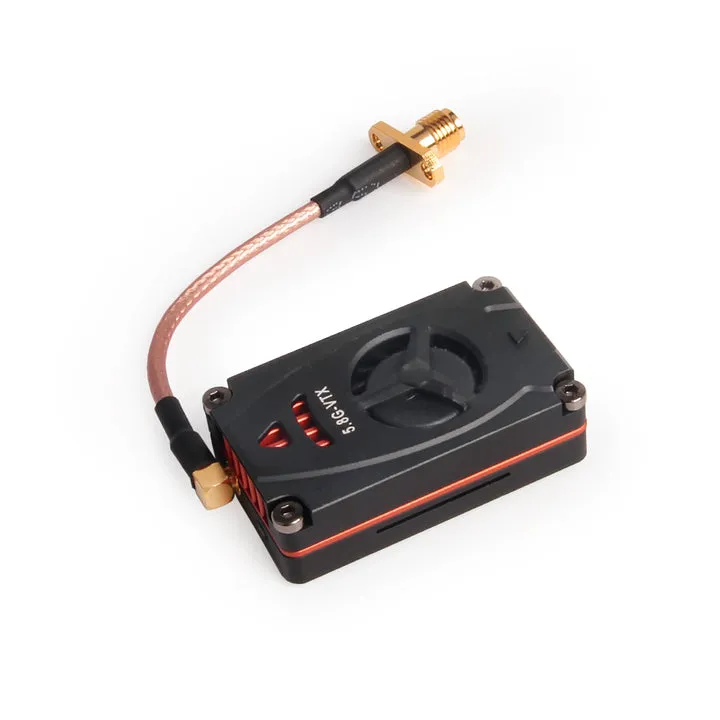
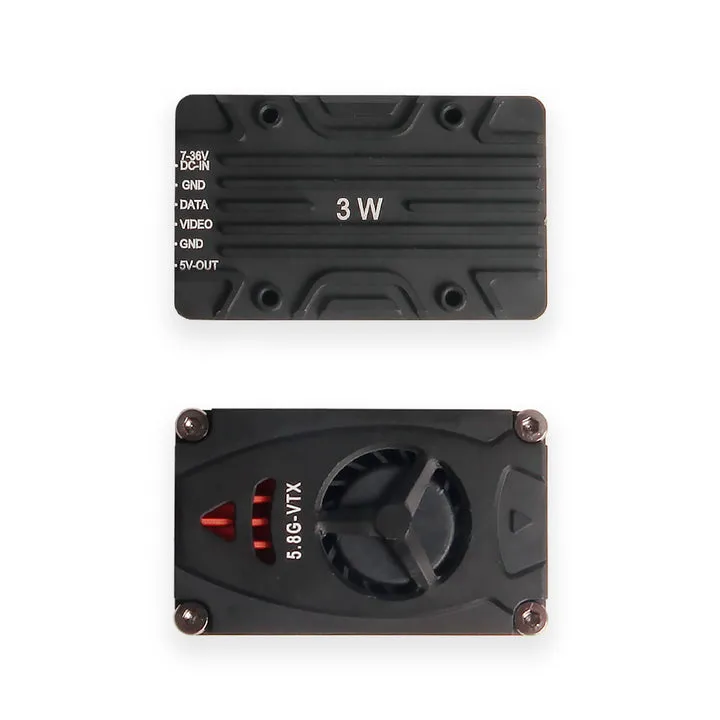
Reviews
There are no reviews yet.